
Quick Troubleshooting: Sindh Youth Card Sign-In & OTP Solutions
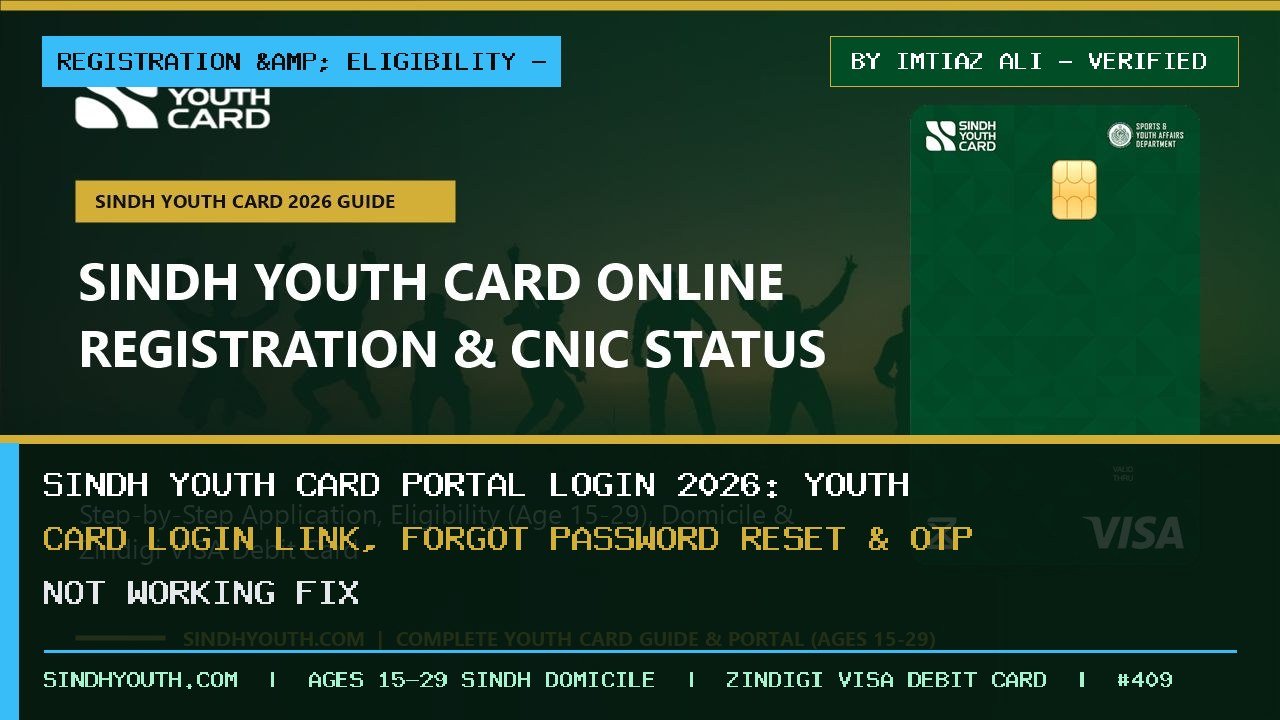
Having trouble signing into your Youth Dashboard or waiting on a verification OTP? This guide covers every common error and how to fix it in minutes.
Understanding the Two Sign-In Portals: Youth vs. Partner
When you click the Sign in button on the top header bar, two login options appear:
- 1. Youth Login: For students, job seekers, athletes, and young residents of Sindh aged 15–29 checking their card status, scholarships, or internships.
- 2. Partner Login: For universities, corporate employers, incubation centers, and discount merchants managing offers in the Partner Ecosystem.
Common Login & Registration Errors (And How to Fix Them)
| Error Message / Issue | Root Cause | Verified Solution |
|---|---|---|
| SMS OTP Code Not Received | Ported mobile network (MNP) delay or promotional SMS block on SIM | Wait 90 seconds before clicking Resend OTP, check your Email inbox/Spam folder for the email code, or use a non-ported SIM. |
| “CNIC Already Exists / Registered” | You previously started registration with this 13-digit CNIC | Do not create a new account. Go to Youth Sign-In and use the Forgot Password option to recover access. |
| Invalid CNIC Format Error | Dashes, spaces, or fewer than 13 digits entered | Type your 13-digit NADRA CNIC or B-Form number continuously without hyphens (e.g., 4210112345671). |
| Age Eligibility Validation Failed | Date of birth entered makes applicant younger than 15 or 30+ | Double-check the Day/Month/Year order in the date picker to ensure it matches your NADRA CNIC (Age 15–29). |
| Password Rejected During Sign-Up | Password does not meet complexity requirements | Use at least 8 characters combining uppercase, lowercase, a number, and a special symbol (e.g., @ or #). |
How to Reset a Forgotten Sindh Youth Card Password
- Open the Youth Sign-In screen.
- Click the Forgot Password / Reset Password link below the password box.
- Enter your registered email address or 13-digit CNIC number.
- Enter the 6-digit recovery OTP sent to your email/mobile and create a strong new password.
Latest Program Verification & Quick Summary (Updated November 25, 2026): For Sindh Youth Card Registration 2026, applicants aged 15 to 29 years holding a valid Sindh Domicile & PRC Form-D across all 30 districts can apply online free of cost (Rs. 0) via the official Sindh Youth Card Mobile App (
pk.gos.sindhyouthcard) developed by Sapphire Consulting Services for the Sports & Youth Affairs Department, Government of Sindh (official web info portal: sindhyouthcard.gos.pk). Adults aged 18–29 verify with their 13-digit NADRA CNIC and contactless camera biometrics, while under-18 students (aged 15–17) apply using their 13-digit NADRA B-Form and Parent/Guardian CNIC. Verified cardholders receive a co-branded Zindigi by JS Bank VISA Debit Card unlocking 180+ partner brand discounts (10%–50% off), 20%–40% Peoples Bus & Pakistan Railways fare concessions, Rs. 10,000 to Rs. 500,000 interest-subsidized youth loans, laptop & e-bike installment plans, and HEC Sindh scholarships. Also available as a ▶ 6-Slide Visual Web Story and ⚡ Instant AMP Guide.